Building Your Own Home Server: A DIY Guide for 2025
Why a home server earns its keep in 2025 — what to run on it, and a parts list to build one.
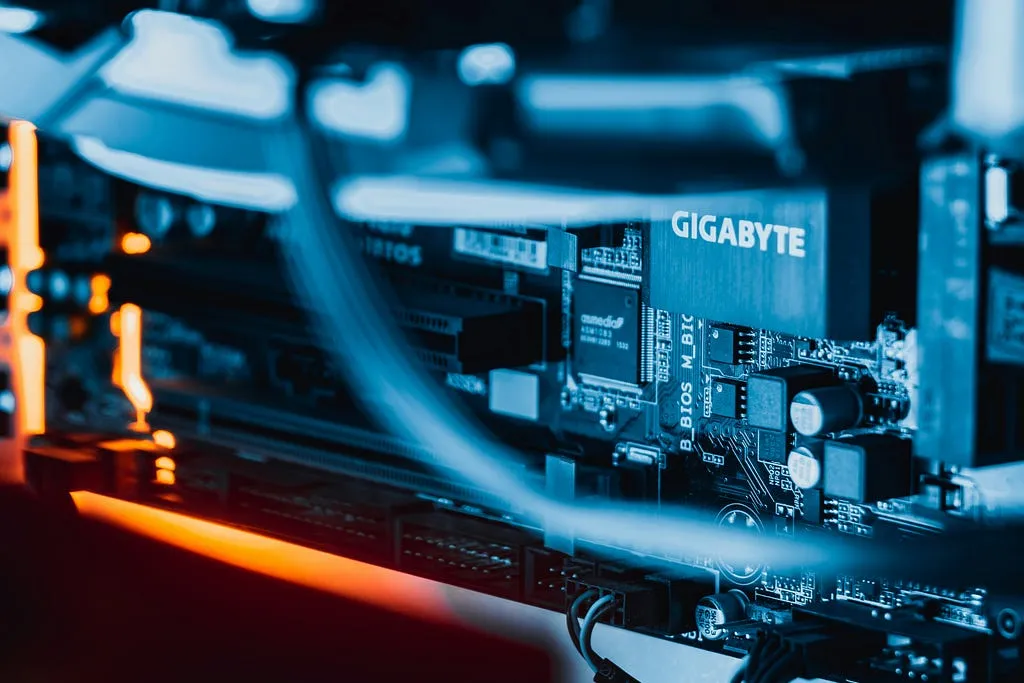 Photo by Florian Krumm on Unsplash
Building your own home server is one of the most rewarding DIY projects for tech enthusiasts. It’s like creating a personal command center for your data, media, and smart home devices. In this guide, we’ll explore why a home server is a game-changer in 2025, what you can do with one, and the hardware you’ll need to get started. Whether you’re a beginner or a seasoned tinkerer, this project offers practical benefits and a chance to learn new skills.
Why Build a Home Server?
A home server is a powerful tool that centralizes your digital life. In 2025, with growing concerns about data privacy and the cost of cloud subscriptions, a home server offers compelling advantages:
- Centralized Data Storage: Store all your files — photos, videos, documents — in one secure location, accessible from any device on your network.
- Media Streaming: Enjoy your movie and music collection on any device without relying on third-party services.
- Custom Applications: Run your own services, from web servers to AI models, tailored to your needs.
- Enhanced Privacy: Keep your data local, reducing dependence on cloud providers and protecting your information.
- Skill-Building: Learn about hardware assembly, networking, and software management, skills that are valuable in today’s tech-driven world.
Beyond these benefits, building a home server is a fun and customizable project. You decide its purpose, from hosting game servers to controlling smart home devices, making it a perfect fit for any tech enthusiast’s toolkit.
What Can You Do With a Home Server?
The versatility of a home server is one of its biggest draws. Here are some popular use cases to spark your inspiration:
- Personal Cloud Storage: Create a private cloud with software like Nextcloud or Owncloud, allowing you to access files securely from anywhere.
- Media Server: Use Plex or Emby to organize and stream your media library to TVs, phones, or tablets.
- Game Server: Host multiplayer games like Minecraft or Valheim for you and your friends, offering a private gaming experience.
- Home Automation Hub: Integrate with Home Assistant to control smart lights, thermostats, and other IoT devices.
- Backup Solution: Protect your data by setting up automated backups for your computers and devices.
- Local AI Processing: Run AI models for tasks like image recognition or text generation, keeping data private (requires more powerful hardware).
These are just starting points — your server can evolve as your needs grow, making it a future-proof investment.
Hardware You’ll Need
Building a home server requires selecting the right components to balance performance, efficiency, and cost. Here’s a breakdown of the essentials:
- CPU: A mid-range processor like the Intel Core i5–14600K or AMD Ryzen 5 7600 is ideal for most tasks, offering enough power for file storage, streaming, and light virtualization. For heavier workloads like AI processing, consider a Ryzen 7 or Intel Core i7.
- RAM: Start with 16GB of DDR5 RAM for basic tasks. If you plan to run multiple services or virtual machines, 32GB or more is recommended.
- Storage: Combine NVMe SSDs for fast access to frequently used data and HDDs for large storage needs. For example, a 1TB NVMe SSD paired with 4TB HDDs in a RAID 1 or RAID 5 configuration ensures speed and redundancy.
- Motherboard: Choose a motherboard with multiple SATA ports, M.2 slots for NVMe SSDs, and 2.5GbE networking for faster data transfers. Models like the ASRock B650 PG Lightning are popular for home servers.
- Case and Power Supply: Select a case with good airflow and space for multiple drives, such as the Fractal Design Meshify C. A 550W-650W gold-rated power supply from brands like Corsair ensures reliability.
- Cooling: Use a quality CPU cooler, like those from Noctua, to keep temperatures low and noise minimal, especially for 24/7 operation.
If building from scratch feels daunting, pre-built Network Attached Storage (NAS) devices from Synology, QNAP, or Asustor are excellent alternatives. Models like the Synology DiskStation DS1522+ offer user-friendly software and robust features for beginners.
Hardware Recommendations Table
| Component | Recommendation | Notes |
|---|---|---|
| CPU | Intel Core i5–14600K or AMD Ryzen 5 7600 | Mid-range, energy-efficient, supports most tasks |
| RAM | 16GB DDR5 (32GB for heavy workloads) | Ensures smooth multitasking and virtualization |
| Storage | 1TB NVMe SSD + 4TB HDDs in RAID 1/5 | SSD for speed, HDD for capacity, RAID for redundancy |
| Motherboard | ASRock B650 PG Lightning or similar | Multiple SATA/M.2 slots, 2.5GbE networking |
| Case | Fractal Design Meshify C | Compact, good airflow, supports multiple drives |
| Power Supply | 550W–650W Corsair, Gold-rated | Reliable for 24/7 operation |
Software and Setup
Once your hardware is assembled, you’ll need to install an operating system and configure your services. Popular operating systems include:
- Ubuntu Server: Versatile and widely supported, ideal for custom setups.
- TrueNAS Core: Focused on storage with advanced features like ZFS.
- OpenMediaVault: User-friendly for NAS-like functionality.
After installing the OS, you can set up services like Plex for media streaming, Nextcloud for file storage, or Home Assistant for smart home control. Security is crucial — use strong passwords, enable a firewall, and consider a VPN like PiVPN for secure remote access.
Tips for Success
- Start Small: Begin with one or two services, like file storage or media streaming, and expand as you gain confidence.
- Prioritize Efficiency: Choose energy-efficient components to keep power costs low, as your server will run 24/7.
- Backup Regularly: Use RAID and external backups to protect your data.
- Join Communities: Engage with communities like r/selfhosted on Reddit for tips and support.
Conclusion
Building your own home server is a fantastic way to take charge of your digital life while diving into a fun and educational project. From streaming your favorite shows to securing your data, a home server offers endless possibilities tailored to your needs. Later posts here go into detailed setup guides, software choices, and the optimisation work that makes a server worth leaving switched on.
Happy building, and let’s create something amazing together!